
Set up sites, configure FotoFlows, manage users, and read your results. Everything you need to run FotoFinish for your organization.
Click each module to learn how to set up and manage your FotoFinish account.
Every location you want to monitor is added as a "site" in FotoFinish. Setting up a site takes under 5 minutes and only requires a name, location details, and reference photos.
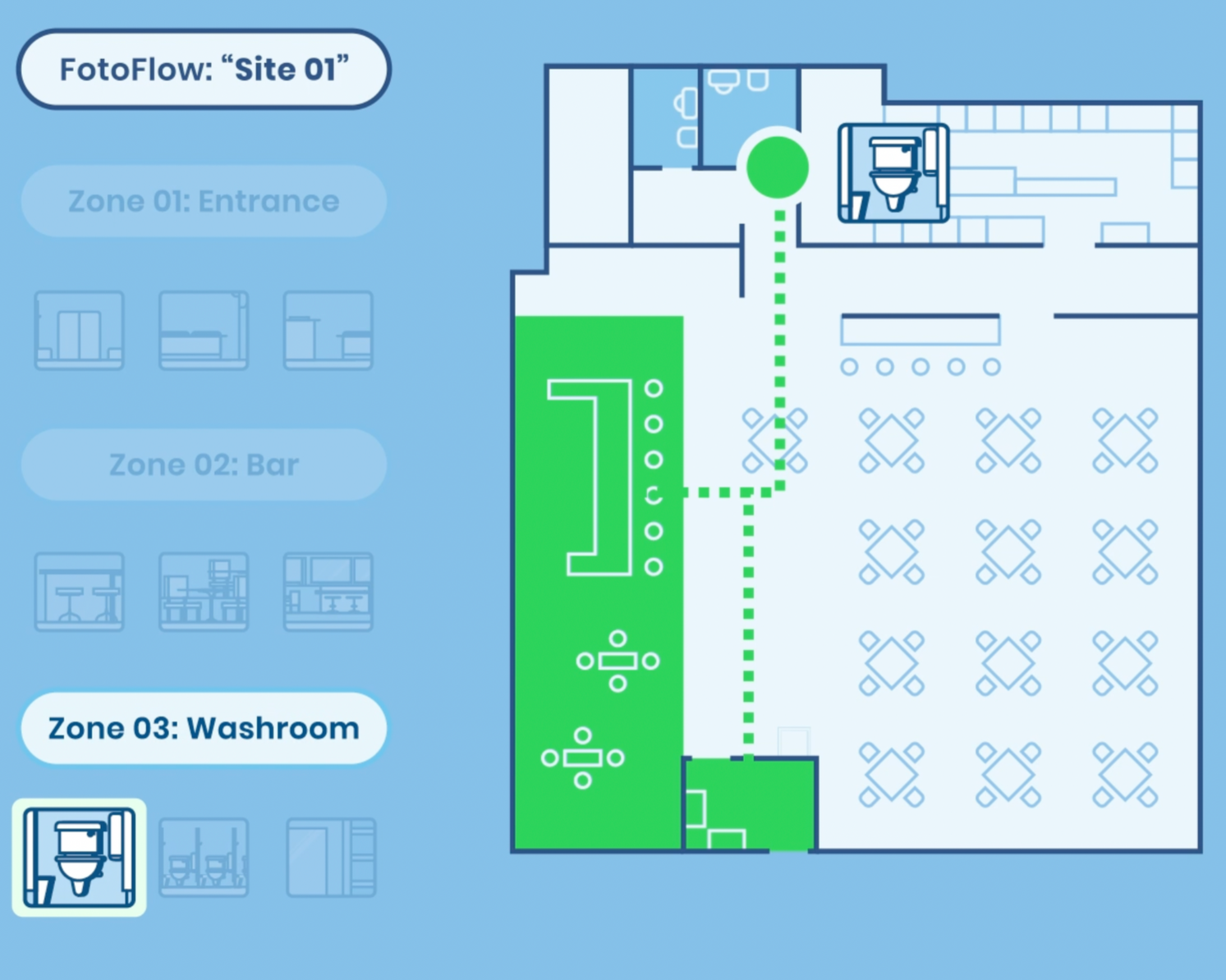
A FotoFlow defines what photos get taken at a site and how. Each FotoFlow contains slots, and each slot holds a set of reference images. The app randomly selects one image per slot each shift.
Add on-site staff, supervisors, and other admins to your FotoFinish account. You control who sees which sites and what they can do. There is no limit on the number of users in any plan.
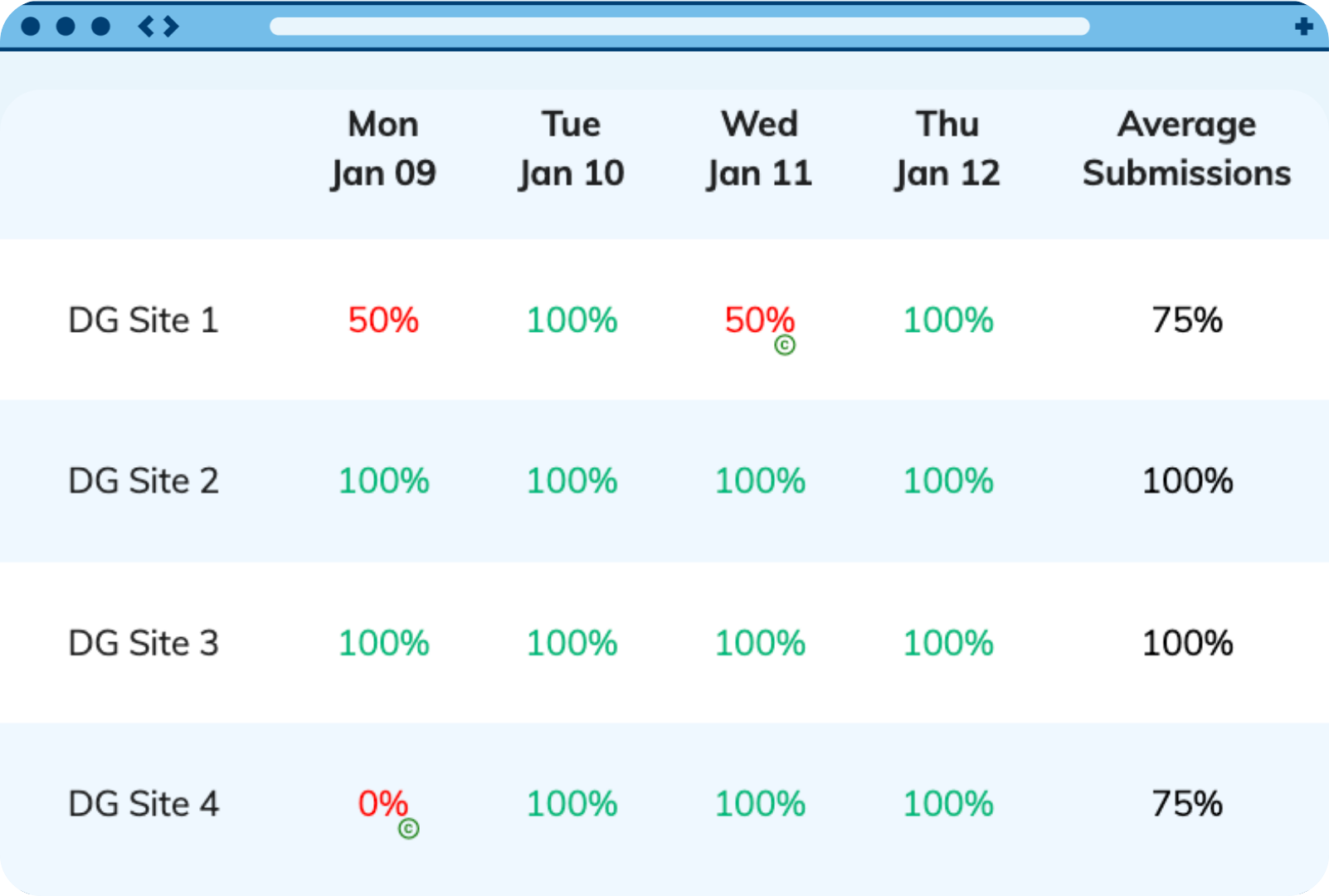
The Results Dashboard shows you a complete picture of compliance across all your sites. See which sites are performing well, which need attention, and how scores trend over time.
This video covers the complete admin setup process — from account creation to your first active FotoFlow.
Set up your account step by step with the Setup Guide, and use the Best Practices Guide to get more from your FotoFlows and reference photos.
Access your dashboard and start building your first FotoFlow today.